

In the world of software development, writing code without functions is like trying to bake a thousand loaves of bread by manually measuring every grain of salt for every single loaf. It is tedious, prone to human error, and nearly impossible to maintain. Functions change this narrative by transforming repetitive instructions into a sophisticated vocabulary of actions, turning a cluttered script into a modular masterpiece.
By mastering functions, you move beyond simply writing code to building reusable blocks that streamline complex tasks. Whether you are automating data analysis or building a web application, understanding how to define, call, and manage functions is the bridge between writing basic scripts and building robust software.
Defining Your First Function
A function is essentially a packaged "mini-program" that you write once and can trigger whenever you need it. To create one, you use the def keyword. This signals to Python that a new instruction is being defined. Following this keyword is the function’s name—which should be a descriptive verb like calculate_tax or say_hello—followed by parentheses and a colon.
The code inside the function must be indented (typically four spaces). This indentation tells Python exactly which lines belong to the function.
Here is a simple example of a function definition:
def say_hello():
    print("Hello there")
Defining the recipe is only the first step. To actually run the code, you must call the function by writing its name followed by parentheses:
say_hello()This triggers the indented code block to run. This separation of definition and execution allows you to organize logic clearly without repeating it throughout your file[3][4].
Parameters vs. Arguments
To make functions truly flexible, they need to handle data. This is where the concepts of parameters and arguments come into play. While these terms are often used interchangeably in casual conversation, they have distinct meanings in programming logic.
- Parameters are the variables listed inside the parentheses when you define the function. They act as placeholders or "expectations" for the data the function will receive.
- Arguments are the actual values you send to the function when you call it. They are the "realities" provided during execution.
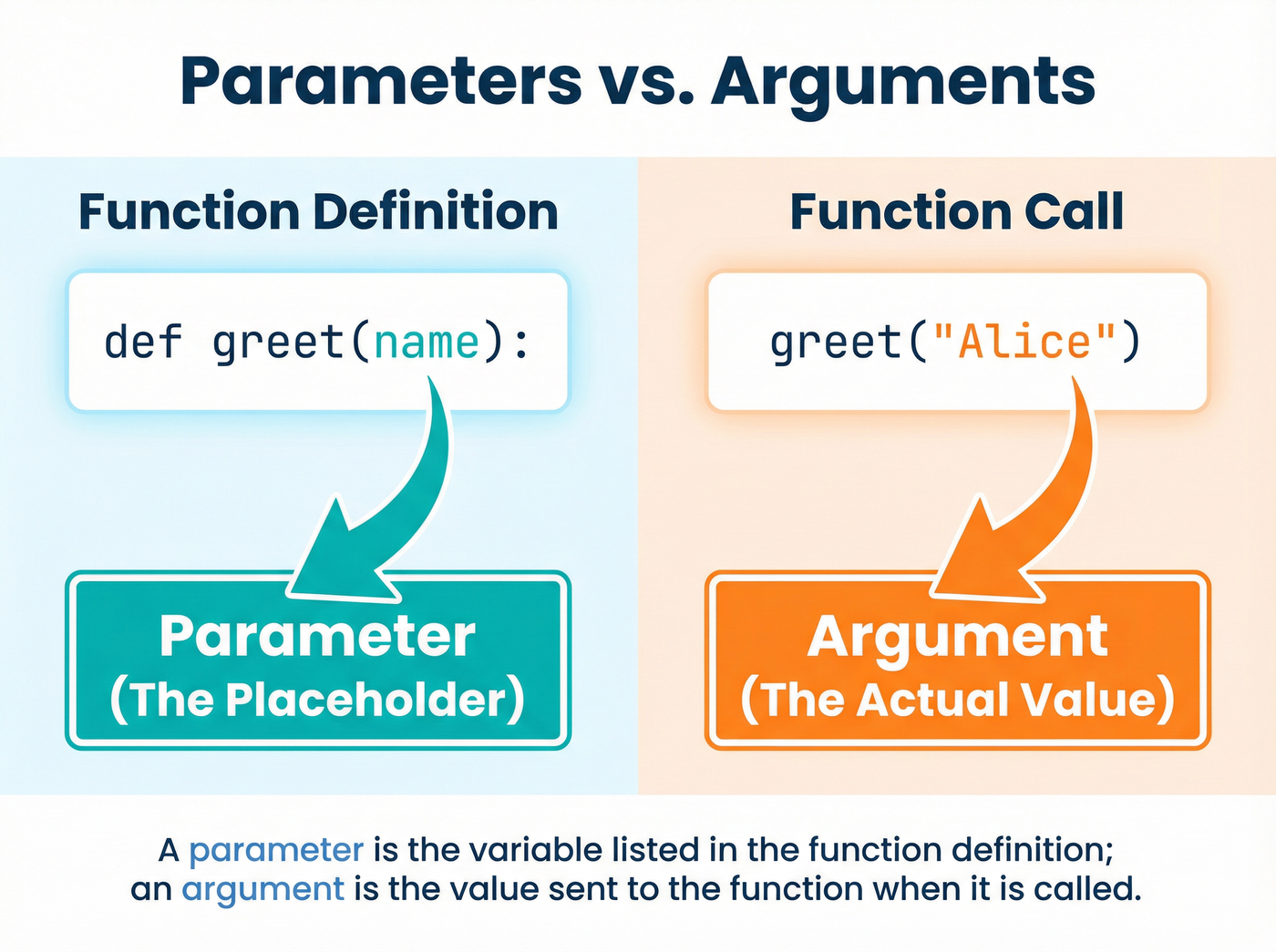
For example, if you define def greet(name):, the word name is the parameter. When you run greet("Alice"), the string "Alice" is the argument[3]. Understanding this distinction is vital for debugging, as many errors arise from a mismatch between what a function expects and what it receives.
The Critical Role of Return Values
A common hurdle for beginners is distinguishing between print() and return. While both might seem to produce a result, they serve fundamentally different purposes.
Print merely displays information to the user—it is a side effect for human visibility. Return, on the other hand, hands data back to the program so it can be stored in a variable or used in calculations[5].
Consider a function designed to add two numbers:
def add_numbers(a, b):
    return a + b

total = add_numbers(5, 10)
In this example, total now holds the value 15. If we had used print(a + b) instead of return, the function would display 15 on the screen but hand back a value of None to the variable total. If you want your function to be part of a larger calculation, you must use return.
Scope and Encapsulation
When you define variables inside a function, they are subject to scope. Variables created within a function are "local"—they exist only while the function is running and vanish once it finishes. This is a deliberate safety feature known as encapsulation.
Encapsulation prevents a variable named x inside a math function from accidentally overwriting a variable named x used elsewhere in your main program. While "global" variables exist outside of functions and can be accessed anywhere, relying on them too heavily can lead to "spaghetti code," where changes in one part of the script cause unexpected crashes in another[3].
When Should You Write a Function?
The decision to write a function often comes down to the DRY principle: Don't Repeat Yourself. If you find yourself copying and pasting the same few lines of code more than twice, it is time to wrap them in a function[6].

Functions also help hide complexity. You do not need to understand the physics of an internal combustion engine to drive a car; similarly, a well-named function allows other developers to use your logic without needing to read every line of your implementation. By dividing a program into small, single-purpose functions, you create code that is easier to test, read, and maintain.
Listen to the episode
Dive deeper into the mechanics of Python functions in this episode of our podcast.
Listen to Functions: Writing Reusable Code